How to program STM32 with Arduino IDE

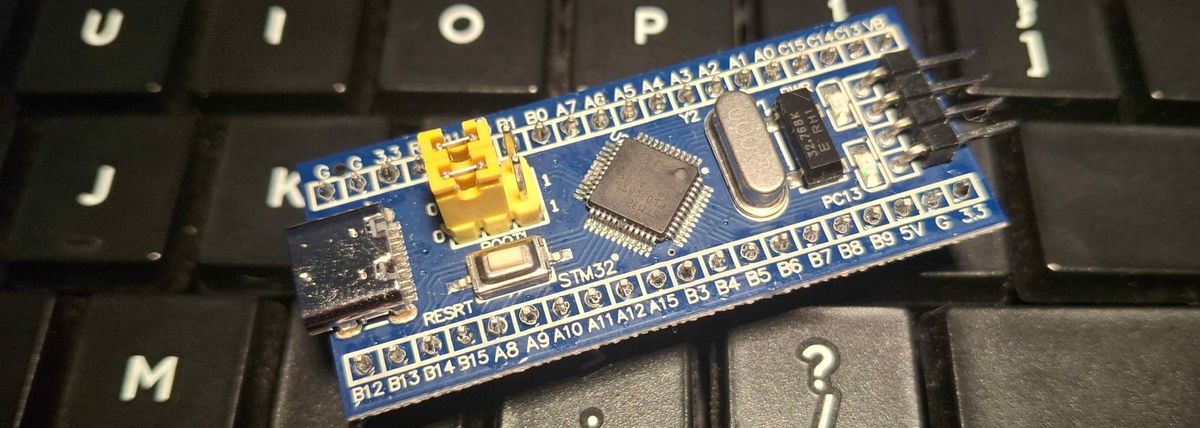
Here I'm talking about programming some of the most popular STM32 boards called Blue pill(STM32F103) and Black pill(STM32F411).
First the easiest method there is.
ST-Link programming.
ST-Link is a small device that looks like USB on one side, and on other side it has exposed pins. All you need to do is connect 4 pins from board to the ST-Link. Those are: 3V3, GND, SWSCK, SWDIO.
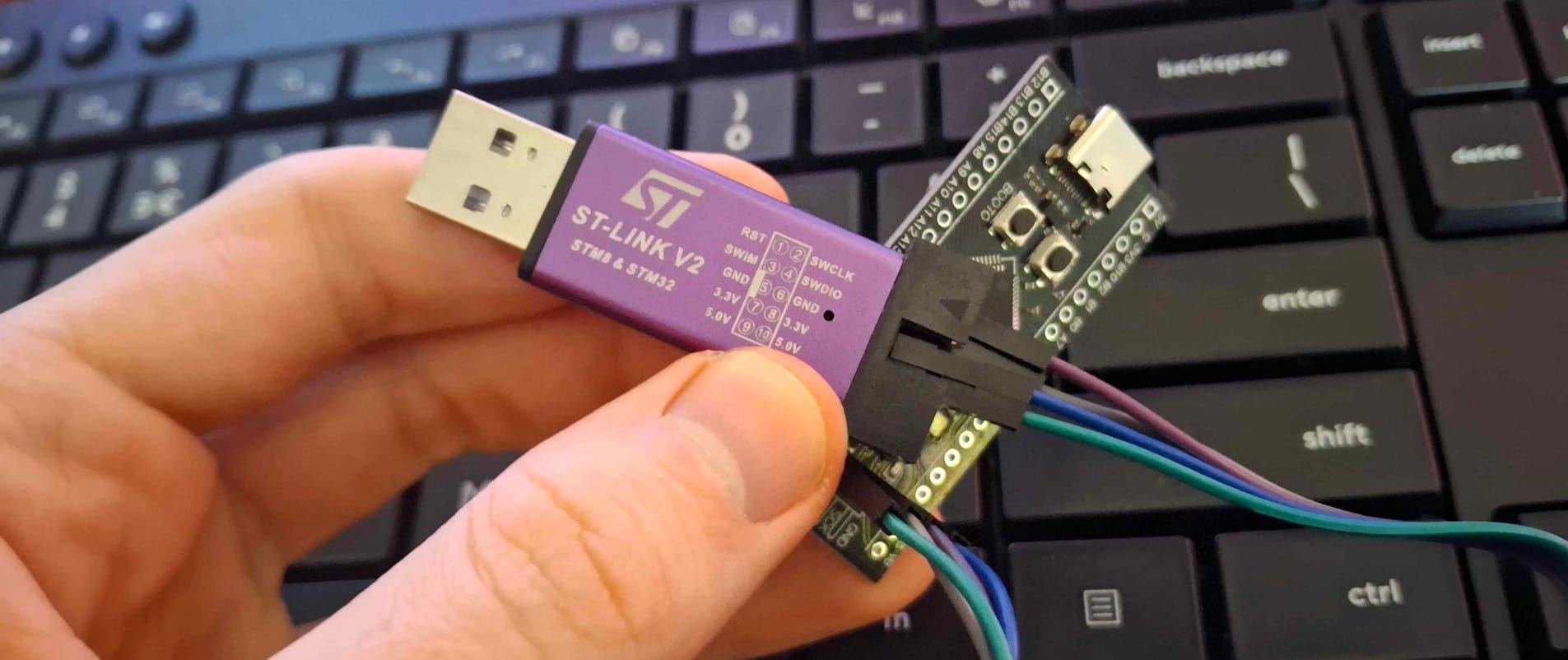
After that in Arduino IDE it's required to add additional boards manager for STM32.
Go to File>Preferences>Additional boards manager URLs and add the following link: https://github.com/stm32duino/BoardManagerFiles/raw/main/package_stmicroelectronics_index.json
After that you are able to install STM32 new board manager called STM32 "MCU based boards".
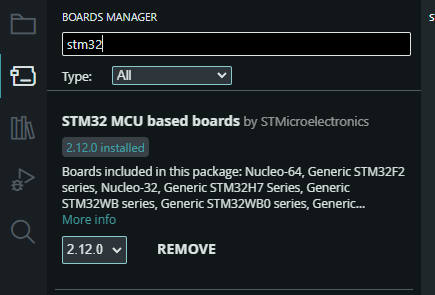
And at the end when you want to upload code go to Tools>Board, and select "STM32 MCU based boards", and after that STM32 F1, or STM32 f4, depending on is it Blue pill or Black pill board.
After that everything in "tools" should be automatically set up, if it's not, here is an image:
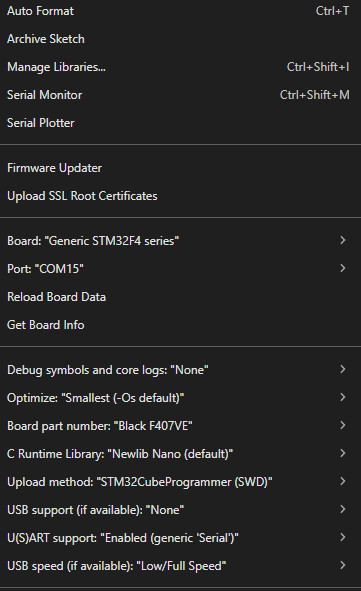
Note that "Port" does not need to be selected, just leave it as default. (Here is COM15, and at that moment i didn't had COM15 at all.
Secound method is with USB to SERIAL converter module.
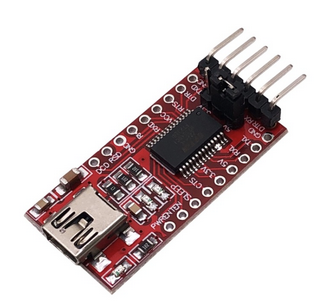
To be honest i have never done that, but have ordered a module, and should arrive soon. USB to SERIAL also has 4 pins that should be connected, and those are: 5V, GND, RX, TX. RX and TX pins are indicated, on my board those are A2 and A3.
However, have some fun with datasheet and look it up.
Datasheet: https://www.st.com/resource/en/datasheet/stm32f103c8.pdf
After that make sure that BOOT pin on the board is pulled high. It is probably a button or a jumper.
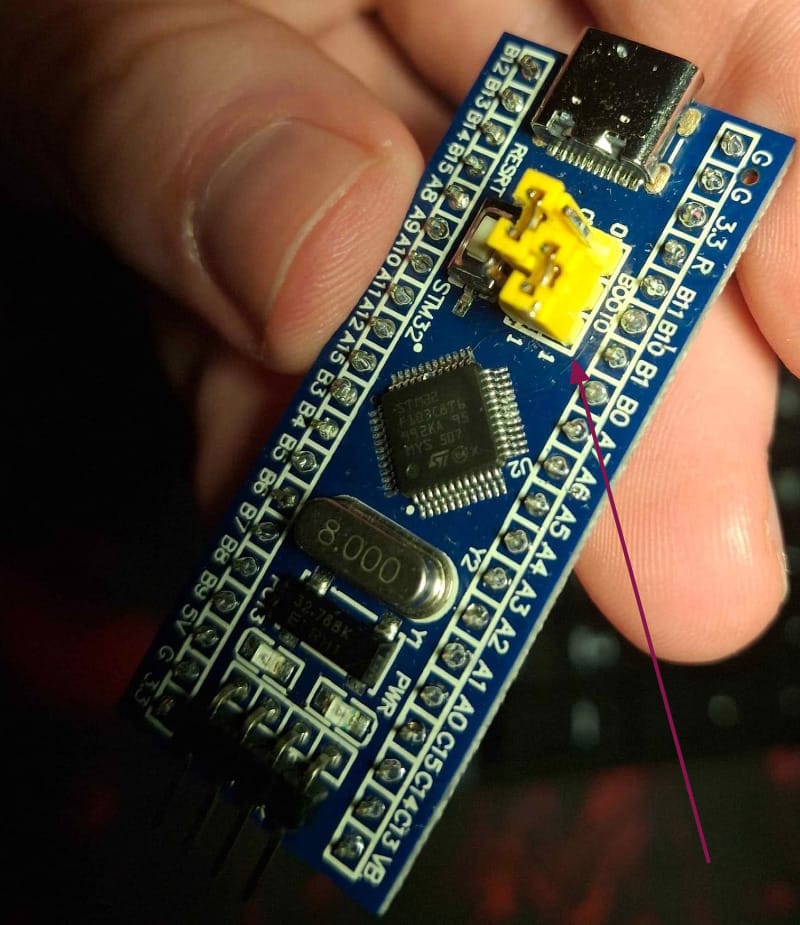
When BOOT pin is in high state that means the board is ready to be programmed.
It's almost done.
For this method we also need to have proper board manager installed, see the beggining of a first method for that.
And last as an "Upload method" select "Serial".
When programming is finished, make sure to make BOOT pin low (remove jumper, or stop pressing the button).
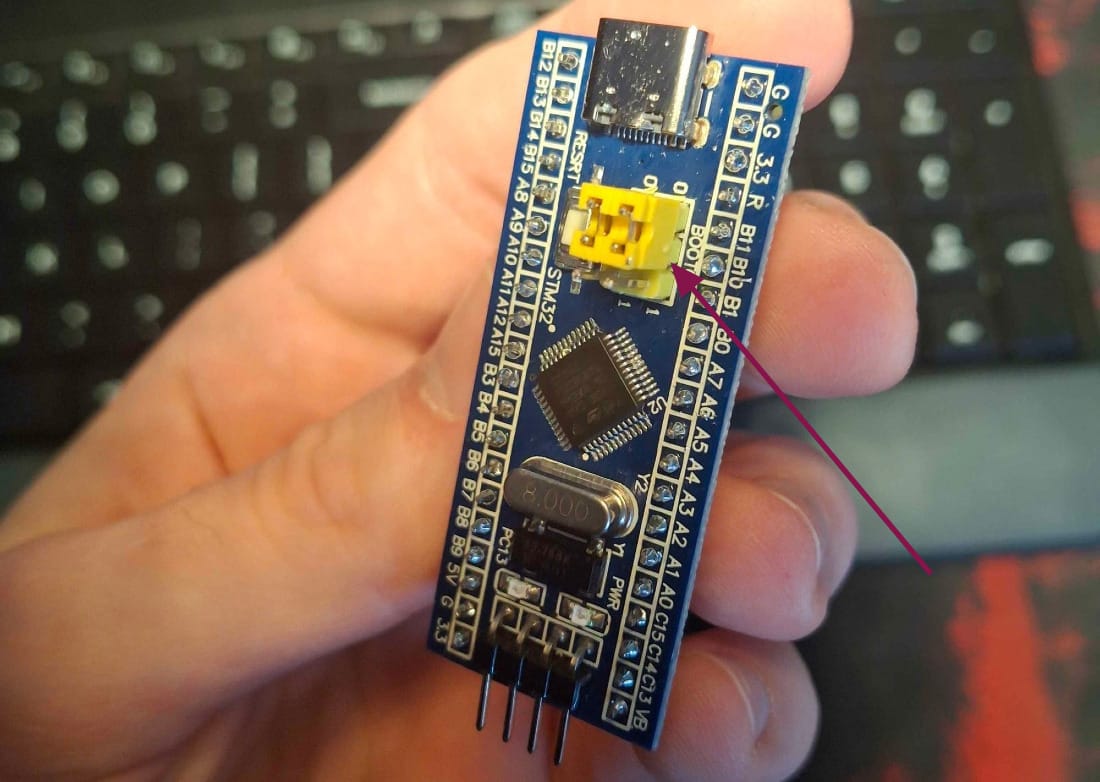
Only then the board can run the code that is uploaded.
That's it.